
Why choose a laptop sleeve
- It adds protection without adding bulk, so your existing bag still closes.
- It keeps the laptop apart from keys, cables and a water bottle, which is where most scratches come from.
- It lets you leave the bag at your desk and carry the machine alone to a meeting or a cafe table.
- It gives an older laptop a cleaner resale condition, because the lid and corners stay unmarked.
How to choose your sleeve
Start with size. Screen inches do not tell the whole story, since two machines with the same screen can have very different footprints. Measure the width, depth and thickness of your laptop, then compare with the size stated on the product page. A snug fit protects better than a loose one, because the machine cannot slide around inside.
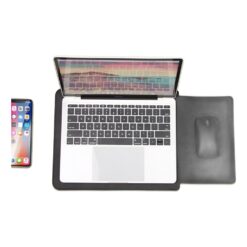
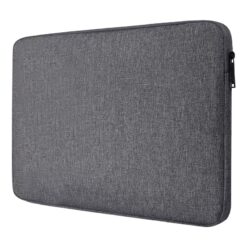
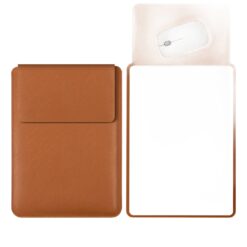
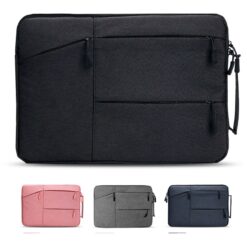
Then choose a closure. A zip keeps everything shut in a packed bag, an envelope flap is faster to open, and a magnetic closure sits in between. Look at the padding as well, and at the lining, since a soft lining is what keeps the finish unmarked.
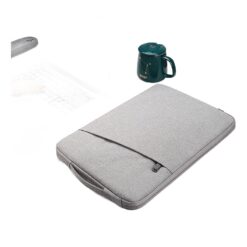
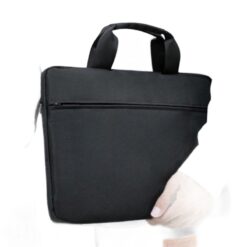
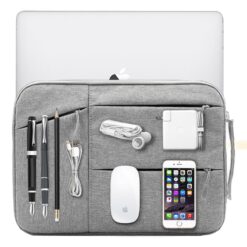
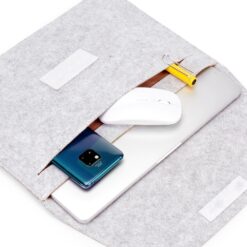
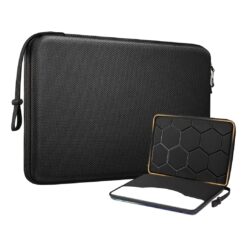
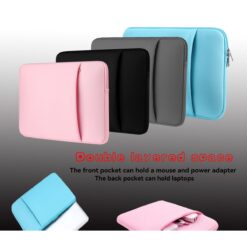
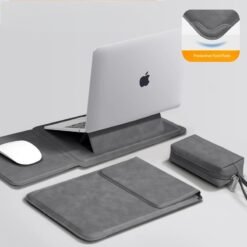
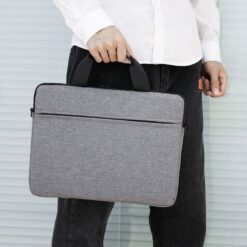
Finally, decide whether you need extras. A front pocket holds a charger and a mouse, a grab handle turns the sleeve into a short trip case, and a water resistant outer earns its place if you walk to work.
Frequently asked questions
What size sleeve should I buy?
Measure your laptop rather than trusting the screen size alone, then match those numbers against the fit stated on the product page. When you are between sizes, the smaller snug option protects better.
Can I carry a sleeve on its own?
Yes, for short distances or around the office, especially a padded model with a handle. For a full commute in the rain, keep it inside a bag.
Zip or envelope closure?
A zip is more secure and better for travel. An envelope or magnetic flap is quicker when you open your laptop several times a day.
Does a sleeve replace a bag?
No. A sleeve protects the laptop, a bag carries the rest of your day. Most people use both, with the sleeve slipped inside the bag.
Will a sleeve still fit inside my backpack?
Usually, if you pick a slim model. Check the laptop capacity of your backpack and allow a little extra for the sleeve itself.